
Kakobuy Spreadsheet categories, sorted by what the inspection can see
Sixteen category pages of picks you can browse. Copy a listing link from any of them into Kakobuy; the order below follows how much of each item Kakobuy’s free inspection actually checks.
All sixteen Kakobuy Spreadsheet categories
Clothes, shoes and bags appear first, followed by categories with more limited visual checks. Kakobuy’s inspection description distinguishes packaging and item types; sealed fragrances are not opened, and photos do not establish electronic function. Confirm a specific inspection need before ordering.
 TrainersInspection: Opened and photographedCategory
 HoodiesInspection: Opened and photographedCategory
 TeesInspection: Opened and photographedCategory
 DenimInspection: Opened and photographedCategory
 Coats and puffersInspection: Opened and photographedCategory
 JoggersInspection: Opened and photographedCategory
 BagsInspection: Opened and photographedCategory
 Football kitsInspection: Opened and photographedCategory
 Women's editInspection: Opened and photographedSearch results
 CapsInspection: Outside onlyCategory
 BeltsInspection: Outside onlyCategory
 JewelleryInspection: Outside onlyCategory
 GlassesInspection: Outside onlyCategory
 WatchesInspection: Function not testedCategory
 GadgetsInspection: Function not testedCategory
 FragranceInspection: Sealed, not openedCategory
How to read a Kakobuy Spreadsheet card
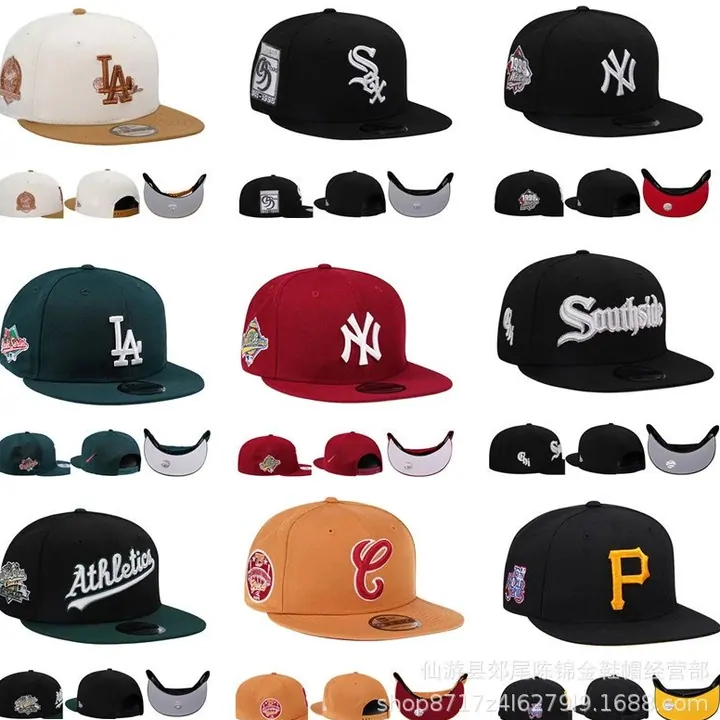
A card here is a doorway to a category page, not an offer. The page behind it lists products found on Chinese marketplaces, each with photos and a link to the original listing. Prices shown there come from the listing when it was added and move with the seller.
The inspection line on each card summarizes help article 89, not a promise of an exact photograph. Check the received item, packaging and available images; request a particular angle or measurement if it is missing. A sealed fragrance package may stay closed, so its outer photo cannot confirm the contents.
In community terms, people call a single product a “find” and a set of them a “spreadsheet”. Officially neither word exists; Kakobuy only ever sees the listing link you paste.
The same photo on two listings, and what that means for you
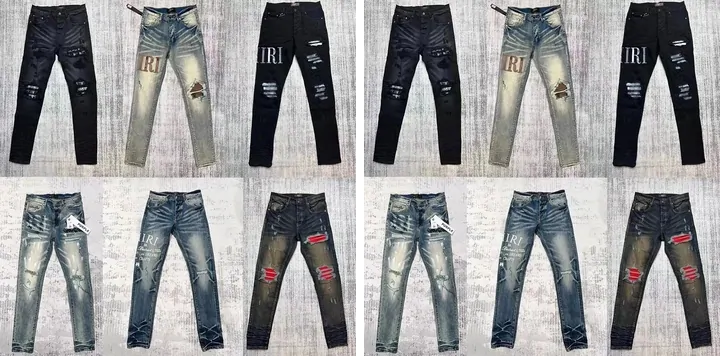
Two rows in the shared product catalogue we draw from carry the identical photograph under different listing numbers. That is normal on Chinese marketplaces: one factory photo travels between shops, and community posts then argue about which shop has “the right batch”.
Kakobuy cannot settle that argument for you. It buys the listing you submit. What you can do is compare the shops behind the two links: their ratings, sales counts and buyer photos, which the choosing page walks through.
If a spreadsheet caption names a batch, treat it as the seller’s label. Kakobuy publishes no batch grades, so there is nothing official to check it against; the inspection photos will show you size and appearance, and nothing about which factory made it.
From a card to a Kakobuy order
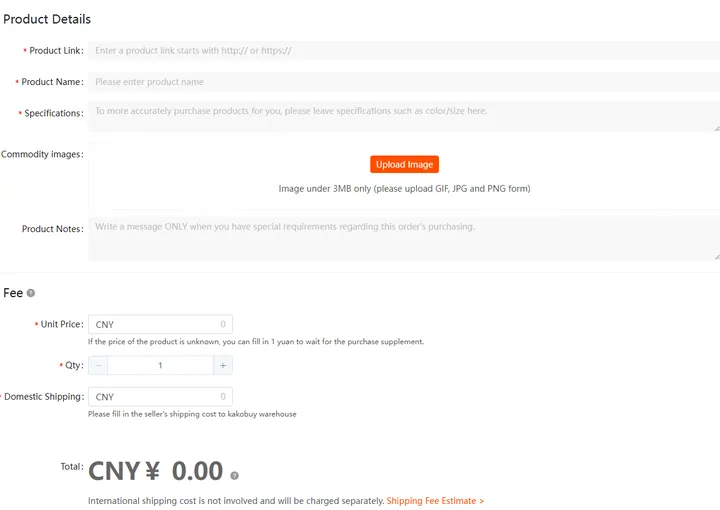
Search by product name in the box at the top of this page when you know what you want. Use categories when you do not. Either way the final step is the same: open the original listing, check the shop, copy the link, and paste it into Kakobuy’s search bar, which reads links from Taobao, Tmall, 1688 and JD directly.
Links from Weidian, Xianyu, Yupoo and other sites go through Kakobuy’s Fill & Buy form instead. The form asks for the link, the specification and the price by hand, and Kakobuy warns that it cannot verify those listings.
Keep a shortlist you can actually order
For each saved find, keep the original seller link, the precise variant and the reason it meets your needs. Product photography can be reused by multiple sellers, so compare the listing details rather than treating matching photos as proof of identical stock. The catalogue helps you discover a product; the seller and Kakobuy checkout establish the order.
Content reviewed: .