
Choosing sellers, items and spreadsheet sites without the community’s shortcuts
To choose a Kakobuy seller, check the original listing, the exact variant, recent buyer evidence and the written return conditions. Community lists can help you find candidates; they cannot confirm what a seller will send today.
How to choose a seller: platform signals before community lists
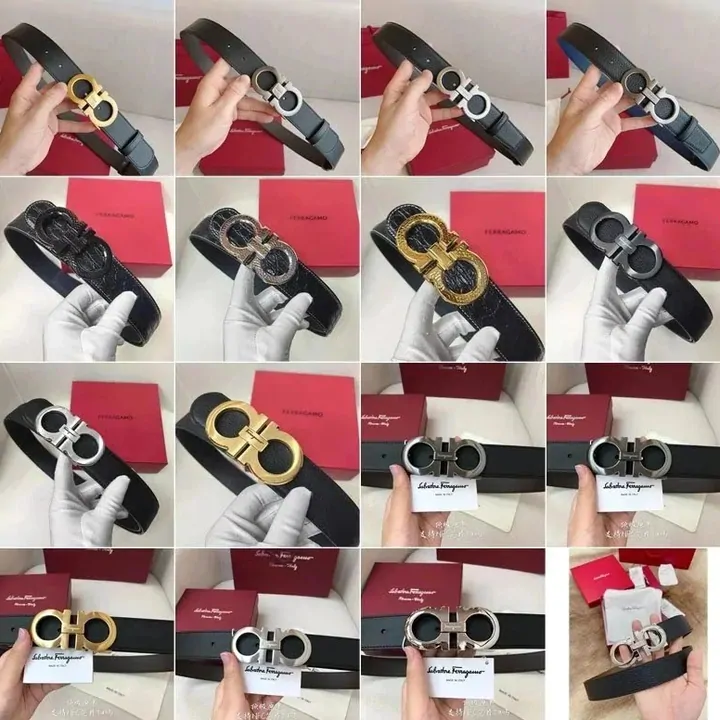
The community answer to “which seller” is usually a name from a pinned list. Kakobuy’s answer, in help article 48, is a rule of thumb from Taobao: choose a “well-reputed store which has more than three hearts and has paid for the Taobao guarantee”. Low-credit sellers without a guarantee bring “false delivery, not delivery, no after-sale service”, and the loss is yours.
Those are two different kinds of evidence. A pinned list tells you what worked for other buyers recently. The shop’s credit level, sales count, deposit and written return terms tell you how the platform itself rates the shop. A good seller usually passes both.
- Open the original listing, not just the spreadsheet card.
- Check the shop’s credit level and whether it has a platform guarantee or deposit.
- Read the most recent buyer reviews with photos, not the average score.
- Check whether the shop offers the 7-day or 5-day no-reason return that Kakobuy’s guarantee relays.
- Only then look at community mentions, and check their dates.
How to choose an item: the listing is what Kakobuy buys
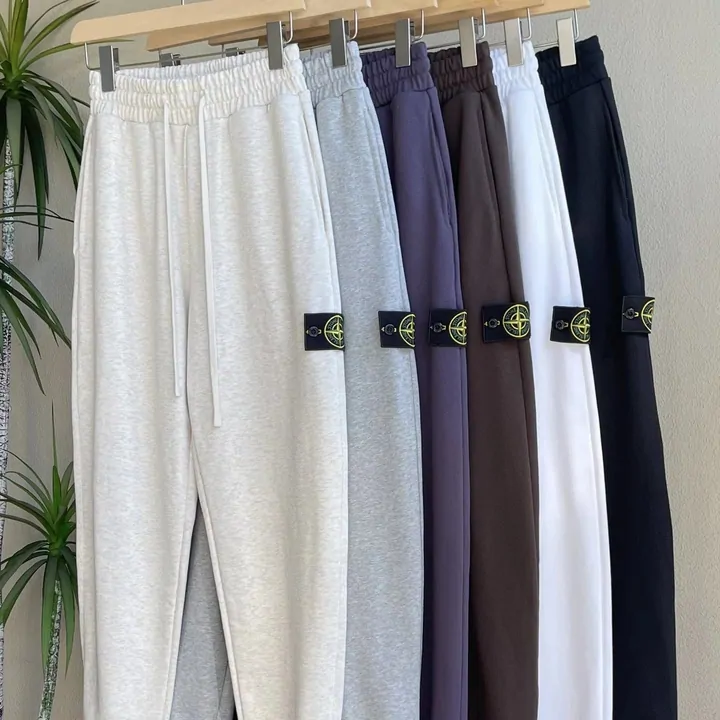
Community talk about items revolves around the batch: which version, from which seller, is “the one”. Kakobuy publishes nothing on batches, so there is no official yardstick. What you can control is the listing you submit.
- Pick the variant explicitly. Collection listings bundle many styles under one link. Kakobuy buys the specification you select and the note you write; vague notes produce wrong items correctly purchased.
- Read sizes in centimetres. A seller’s chart is a sizing claim, not an independent measurement of the item you will receive. Compare its measurement method with a garment you own, then check the warehouse evidence.
- Check what the inspection can see. For clothing and shoes it will confirm colour and size. For gadgets it will not switch anything on. Weigh that before ordering a category you cannot verify yourself.
- Treat in-hand photos as one buyer’s copy. They show that a listing once shipped something; they do not bind the seller to ship the same thing again.
And if a listing’s appeal rests on its resemblance to a brand it is not, the anti-counterfeiting policy has already answered the question for you.
Buying on 1688: minimums, cartons and what is counted
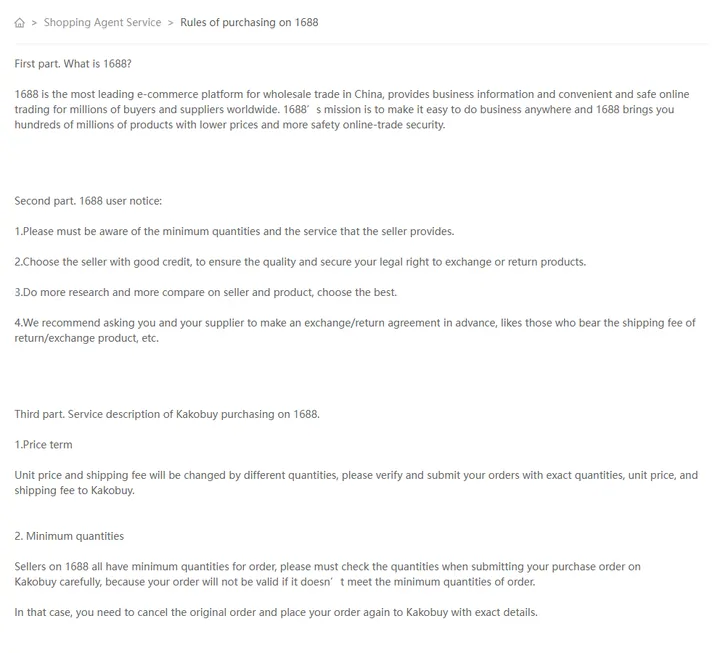
1688 is a wholesale platform, and help article 90 treats it differently. Sellers there have minimum order quantities; an order below the minimum does not go through; you cancel it and submit a corrected one. Unit prices and shipping change with quantity, so submit exact quantities and prices.
Kakobuy also sets a limit on what it checks: it “will only count the number of boxes” and gives no guarantee on the number of pieces inside each box. The community idea that the agent counts everything does not apply to wholesale cartons. Settle with the supplier, before paying, who covers freight if a carton goes back.
How to choose a spreadsheet site, including this one
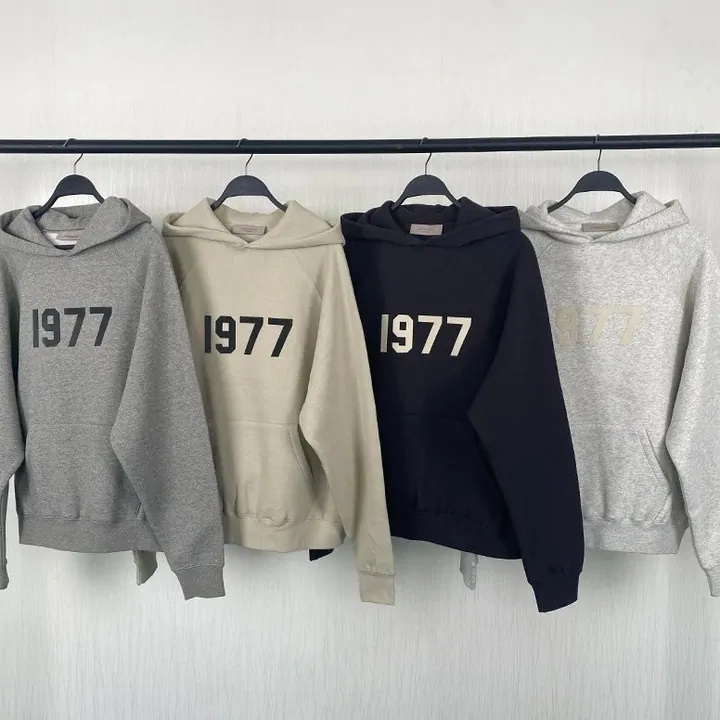
“Spreadsheet” is a community word, and sites using it vary from carefully maintained catalogues to abandoned link dumps. A few checks separate them, and this site should pass them too:
- Updated recently, with a date you can see. Our pages carry a review date in the footer.
- Links that work. Open three random cards. Dead listings mean nobody is maintaining it.
- Categories that match their photos. A watch tile showing a hat is a sign of scraped data.
- No promises the agent does not make. A site that says the agent “checks quality” or “guarantees” anything has not read the inspection rule.
- Clear about who runs it. Look for a named operator and a working contact address.
Community spreadsheets have one real advantage: they are fast. Treat them as a starting list and do the seller and listing checks above yourself.
Make the specification unambiguous
Save the seller URL and write the exact variant in your own shortlist: colour, size system, quantity and any minimum order. A screenshot of a similar product is not enough to identify the item to buy. For a 1688 listing, distinguish a price per piece from a price per set. Ask the seller or purchaser before payment if the unit or size chart is unclear.
For example, a listing may show a grey outfit but sell the hoodie and trousers separately. Record the selected option exactly, then ask whether its price covers one garment or the set. If the seller changes the link or option after you save it, compare the new selection before submitting the order; a familiar cover photo does not identify the same purchase.
Once the item is stored, use the inspection checklist against that saved specification. Resolve an incorrect option before deciding how to ship it.
Content reviewed: .